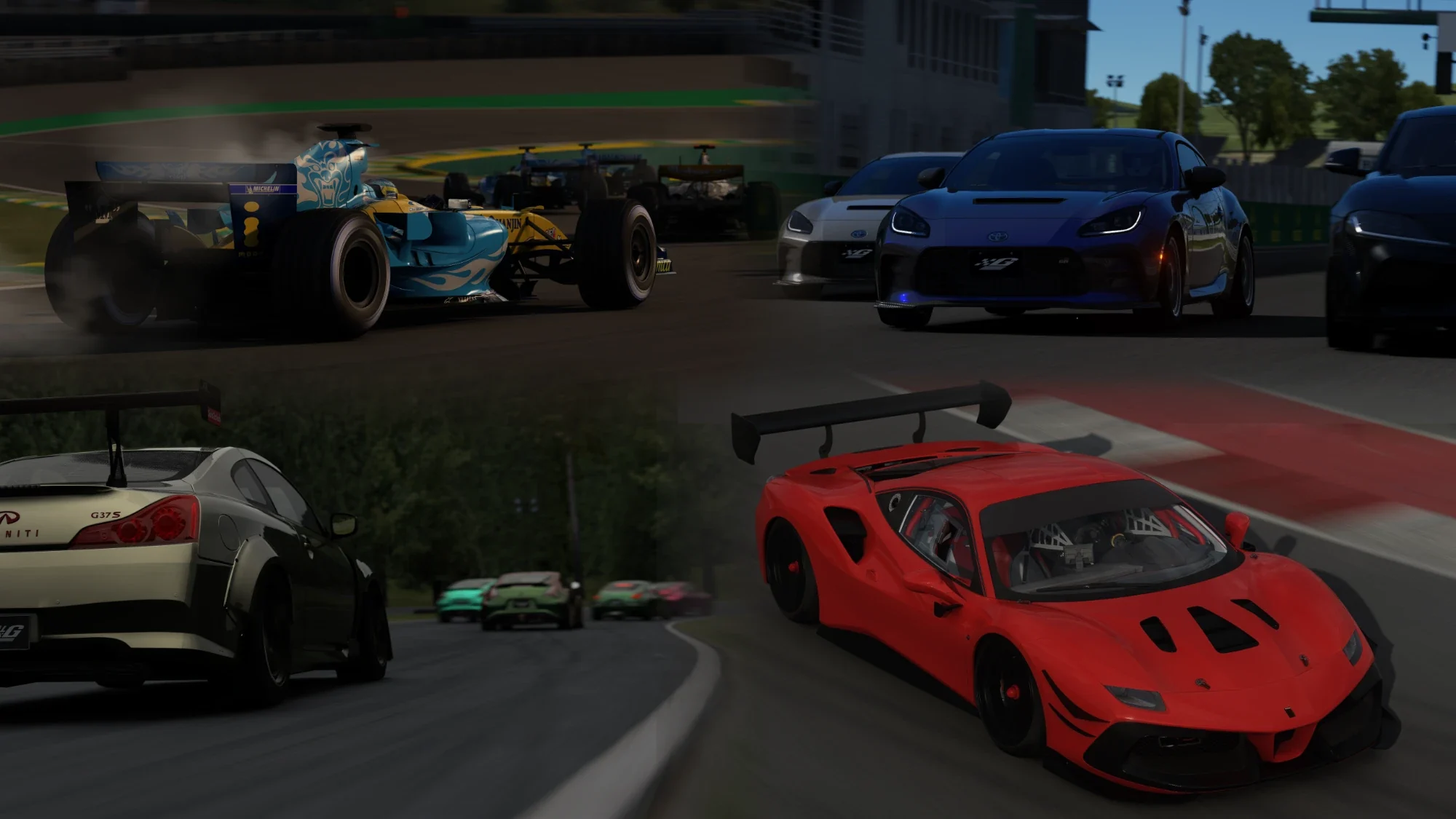
Every day there is one daily race on the EU server and one on the US server. Both run on the same track. You vote on the start time and the car, sign up in the launcher, race, and get Street Cred, trophies and G-coins. This guide shows each step.
You need the Initial G Launcher (version 1.28 or newer) and an initialg.gg account with a verified Steam ID.
How it works
- Vote. Pick the start time and the car, 2 days before the race.
- Join. Sign up for the race in the launcher. A G-coin bet is optional.
- Race. Practice, qualifying and the race, 15 minutes each.
- Results. The standings, Street Cred, trophies and the bet pot.
1. Vote on the start time and the car
In the launcher, open Drive › Daily racing. Each race has its own card with the track, the region flag (EU or US) and two polls:
- Start time. Click Vote next to the time you want. The launcher shows every time in your own time zone. You can change the time zone in the daily racing settings.
- Car. Only the cars from that track’s challenge are in the poll. A track with one car has no car poll.
The same polls are posted on our Discord in #announcements. The title starts with the server, for example 🇪🇺 EU SERVER DAILY RACE or 🇺🇸 US SERVER DAILY RACE, so you can tell the two regions apart.
The rules for voting:
- Voting opens 2 days before the race, at 00:00 (Bratislava time).
- You have 24 hours to vote. Votes after the poll closes are not counted.
- If fewer than 3 people vote, the race takes the earliest start time and the default car. The race still happens.
2. Join the race
When the vote closes, the card switches to Join. It shows the start time, the winning car, the session times and how many drivers have joined.
- Choose a bet, or leave it on No bet.
- Click Join race. The button changes to You’re in ✓.
By joining you agree to the racing rules. Read them before your first race.
Things to know before the race:
- A race needs at least 5 drivers. The launcher shows the deadline on the card, 45 minutes before the start. If fewer drivers have joined by then, the race is cancelled and every bet is returned.
- The grid has as many slots as the track has pit boxes. When every slot is taken, you go on the waitlist. You move up if a driver leaves before practice. From half of practice, any free slot goes to whoever joins first.
- You can click Leave before the race if you can’t make it.
3. Bet G-coins (optional)
You can put 50, 100, 250 or 500 G-coins in the race pot. The bet is placed together with your sign-up. Only drivers who bet play for the pot.
- Everyone in the pot plays for the smallest bet placed. If you bet more, the rest comes back to you.
- After the race, the pot is split by finishing order among the drivers who bet:
- 2 drivers bet: the faster one gets the whole pot.
- 3 drivers bet: 50 % / 30 % / 20 %.
- 4 or more drivers bet: 50 % / 20 % / 10 %, then 5 % each for 4th to 7th.
- Example: 7 drivers bet 100 G-coins, so the pot is 700. The fastest of them gets 350, the next ones 140, 70, and 35 each for 4th to 7th.
Your bet comes back to you when:
- you are the only driver who bet,
- you don’t start the race,
- the race is cancelled or has no results.
4. Race day
The race server starts a few minutes before the start time. On the card, or in Live › Events, click Join race to get on the server.
- Practice, 15 minutes.
- Qualifying, 15 minutes. Your best lap sets your grid position.
- Race, 15 minutes. When the time runs out, finish the lap you are on. The race ends when you cross the line under the chequered flag.
In G-Hub, the leaderboard widget shows live timing for the session: positions, sector times and the current lap. Update G-Hub to version 1.13 in the launcher to see it.
5. Results and rewards
- Every driver who starts the race gets +250 Street Cred. Your subscription tier multiplier applies.
- The top 3 win a Race Night trophy and G-coins: 500 for 1st, 350 for 2nd and 200 for 3rd.
- The bet pot is paid out right after the race.
The results appear on the race card in the launcher. The Racing Bot also posts every race of the day in one results post in the #racing forum on Discord.